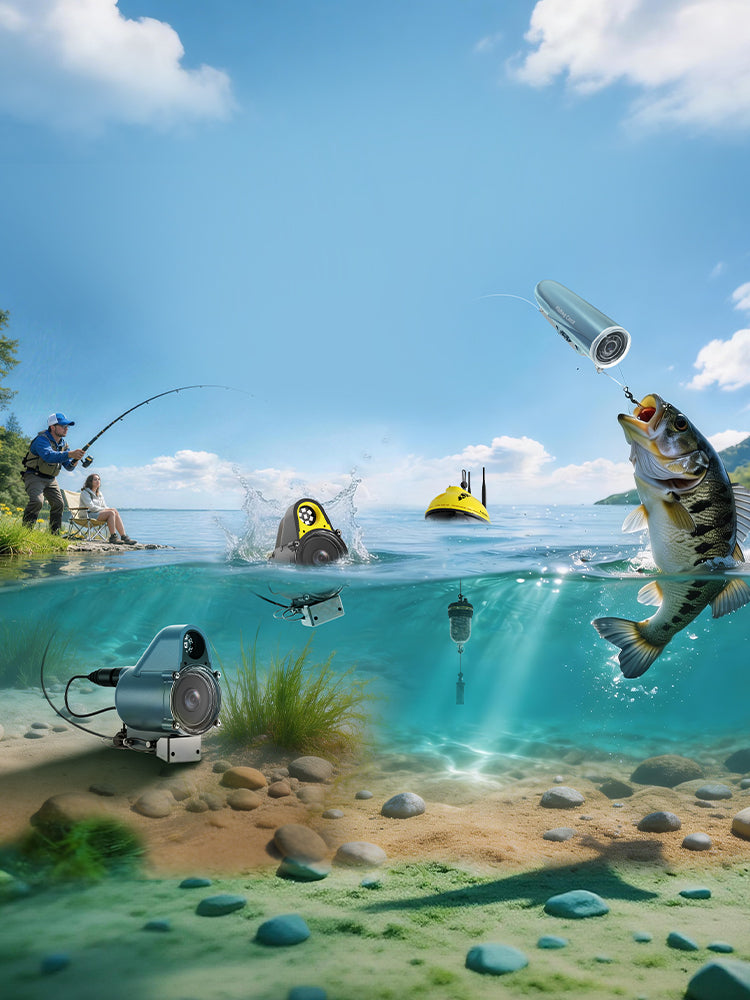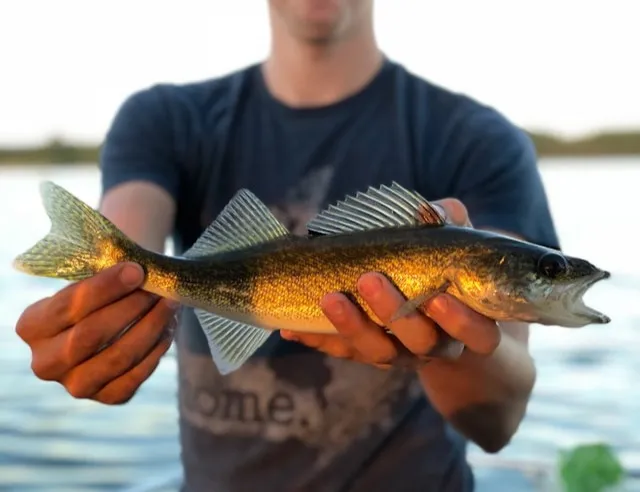
Crappie fishing is a thrilling yet challenging pursuit, especially when you’re left guessing what’s happening beneath the surface. The CanFish Fishing CamX, an underwater camera for crappie fishing, takes the mystery out of the equation by letting you see exactly where crappie are, how they react to your bait, and when to set the hook. Designed by CanFish to empower anglers of all levels, this crappie fishing camera offers crystal-clear footage, easy setup, and actionable insights. Whether you’re casting from a boat, dock, or shore, this step-by-step guide will show you how to use the CanFish Fishing CamX to catch more crappie and capture moments worth sharing. Let’s get started and fish smarter.
Why an Underwater Camera Transforms Crappie Fishing
Crappie are notorious for hiding in structures like brush piles, fallen trees, dock pilings, and weed beds, making them tough to pinpoint without the right tools. Unlike traditional fish finders that show vague signals, an underwater camera for crappie fishing gives you a real-time view of the underwater action. With the CanFish Fishing CamX, you can:
- Locate Crappie Schools: Confirm if fish are near your bait or tucked in cover.
- Analyze Fish Behavior: Observe how crappie respond to your lure’s color, size, or movement.
- Perfect Your Timing: Spot the exact moment a crappie commits to your bait for a confident hook set.
Why Choose CanFish Fishing CamX for Crappie Fishing
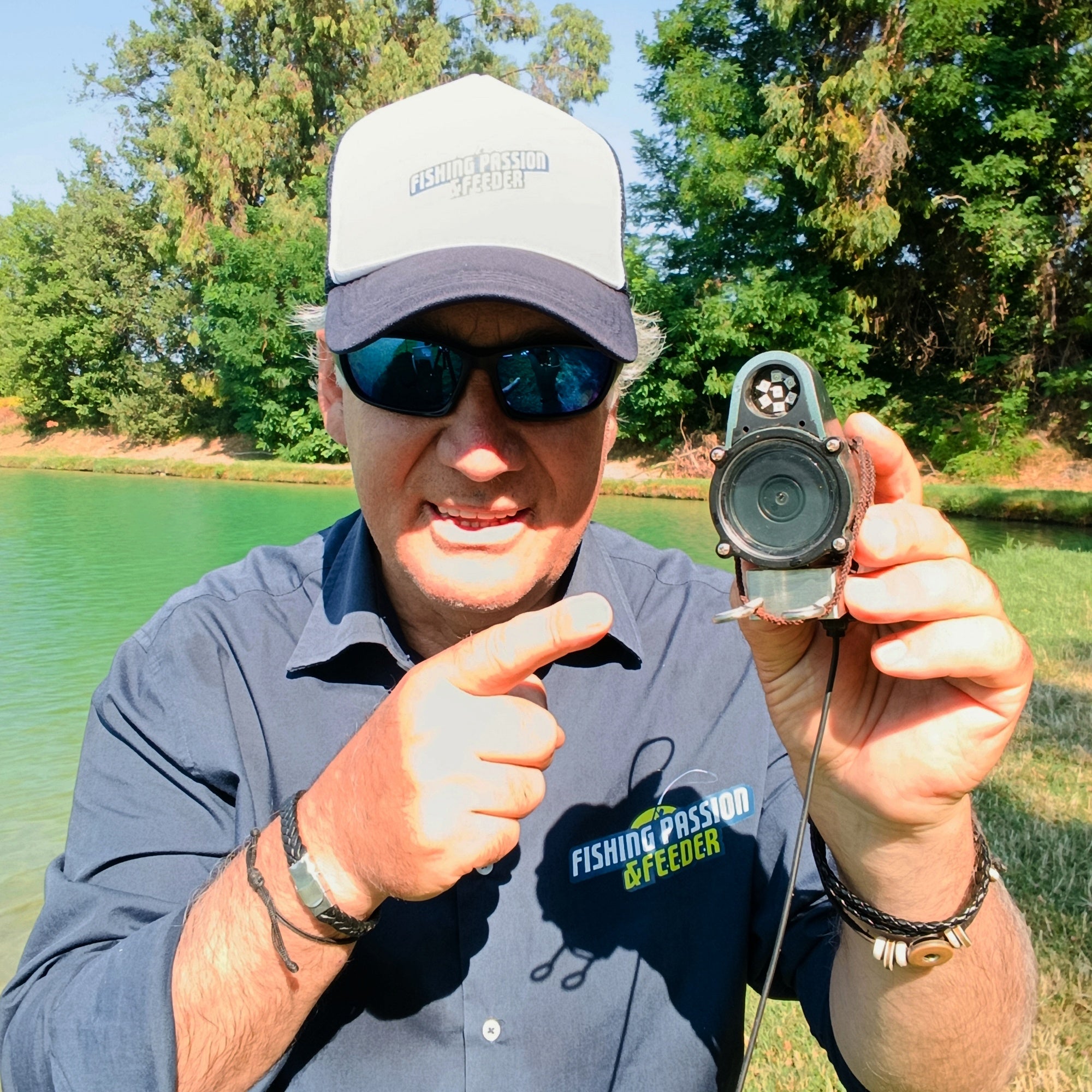
We designed the CanFish Fishing CamX to deliver professional-grade underwater footage in a user-friendly, compact package, perfect for crappie anglers. Its standout features make it an ideal underwater camera for crappie fishing:
- 136° Wide-Angle Lens: Captures expansive views of fish and underwater structures.
- HD Recording Options: 1080P at 30fps for crisp footage or 720P at 60fps for slow-motion analysis of crappie strikes.
- 138-Minute Battery Life: Records an entire fishing trip on a single charge.
- 16GB Waterproof Storage: Stores up to 138 minutes of footage, safe from water damage.
- Intelligent Segmentation: Saves 3-minute clips for easy review and sharing o
- Green LED Lighting: Enhances visibility in murky water or low-light conditions, ideal for crappie’s dawn and dusk feeding times.
Its lightweight, castable design makes the CanFish Fishing CamX versatile for shore, boat, or dock fishing, giving you the freedom to target crappie anywhere.
How to Set Up Your CanFish Fishing CamX for Crappie Fishing
Preparing your crappie fishing camera is straightforward. Follow these steps to set up the CanFish Fishing CamX for a successful crappie fishing trip.
Step 1: Charge and Configure the App
- Fully charge the CamX using the included USB cable (approximately 2 hours).
- Download the CanFish App from the App Store or Google Play.
- Power on the camera and connect to its local WiFi signal (no internet required).
- In the app, configure:
- Resolution: Select 1080P/30fps for clear general footage or 720P/60fps for slow-motion crappie strike analysis.
- Recording Duration: Use the default 3-minute clips for easy playback and editing.
- Loop Recording: Enable to record continuously without overwriting key moments.
Note: The CamX records to its internal memory underwater, as WiFi disconnects below the surface. For real-time viewing, use a float accessory to keep the camera near the surface.
For a more detailed CanFish Fishing CamX Setting Up Guide, check it out here.
Step 2: Rig the Camera
Rig your CanFish Fishing CamX with a two-line system to capture crappie interactions:
Front Eyelet (Bait Side):
- Tie a 4–6 lb fluorocarbon leader (12–18 inches) to a bait, such as a 1/32 oz Tube Jig, 1–2 inch live minnow, or 1-inch micro paddle tail.
- Attach this leader to the front eyelet, ensuring the camera faces the bait to record fish reactions.
Rear Eyelet (Main Line):
- Connect a 6–10 lb fluorocarbon main line to a snap swivel.
- Attach the snap swivel to the rear eyelet to secure the camera and retrieve it safely.
- The light front leader ensures the bait breaks off if snagged, protecting your camera.
Step 3: Cast or Drop the Camera
- Casting: Cast 10–20 meters to stay within WiFi range for app monitoring (if using a float for live viewing).
- Vertical Dropping: Lower the camera and bait near structures from a boat or dock, targeting crappie depths of 1–3 meters.
- Float Setup: Attach a small float to keep the camera near the surface for real-time viewing in shallow water, ideal for crappie near docks.
Before casting, wipe the lens to ensure clear footage.

Also read: Best Underwater Cameras for Crappie Fishing in 2025
Best Locations for Crappie Fishing with Your Fishing Camera
Crappie thrive in specific habitats, so use your underwater camera for crappie fishing to scout:
- Brush Piles and Stake Beds: Common in reservoirs, perfect for schooling crappie.
- Fallen Trees: Target drop-offs where crappie hide.
- Dock Pilings and Bridge Columns: Cast or drop near these for consistent bites.
- Weed Lines: Focus on shallow flats during early morning or late evening.
In murky water or at dawn/dusk, activate the LED for better visibility. Avoid casting into heavy weed beds or bright sunlight, which can block the lens or cause reflections.
For example, anglers often find that crappie shy away from fast-moving lures, especially in clear or pressured waters. If you’re using the CanFish Fishing CamX, you might notice fish following your bait without striking. In this case, try slowing down your presentation. For example, use a 1/32 oz jig and add a two-second pause every few feet during the retrieve. This subtle change can make the bait appear more natural and trigger more bites. Reviewing your footage afterward will help you confirm how crappie are reacting and fine-tune your approach.
Editing Tip: Use the 3-minute clip segmentation to isolate strikes for analysis or sharing. Slow-motion 720P footage is perfect for studying quick crappie bites on platforms like YouTube Shorts or TikTok.
Recommended Rigs and Lures for Crappie Lillies
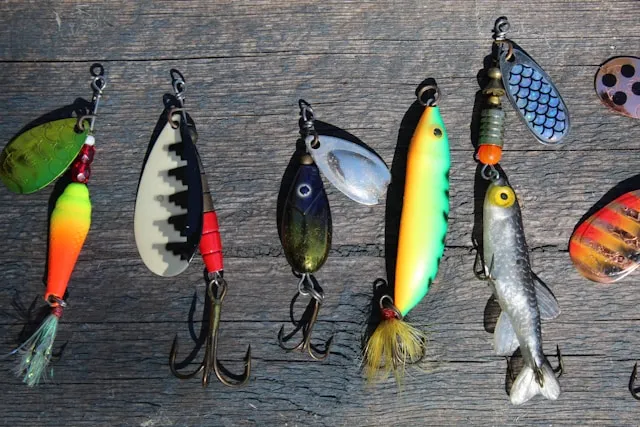
Pair your CanFish Fishing CamX with these proven crappie baits:
- 1/32 oz Tube Jig: White or chartreuse for slow, fluttering descents that crappie love.
- 1–2 Inch Live Minnow with Float: Perfect for suspended crappie in shallow water.
- 1-Inch Micro Paddle Tail: Use slow jigging to mimic natural prey.
Test different colors or jigging patterns (e.g., slow twitch vs. steady retrieve) and review footage to find what works best. For example, pausing a chartreuse jig mid-descent can trigger strikes from hesitant crappie.
Common Mistakes to Avoid
Maximize your crappie fishing camera by avoiding these pitfalls:
- Misaligned Lens: Ensure the camera faces the bait to capture fish interactions.
- Heavy Tackle: Avoid front leaders over 6 lb; crappie are wary and easily spooked.
- Fast Retrieves: Fast drags deter crappie, as seen in user footage. Keep it slow and steady.
- Wrong Depth: Adjust bait depth based on footage to target crappie schools.
- Lens Obstructions: Clean the lens before casting and avoid muddy bottoms or dense weeds.
- Storage Overload: Transfer footage to your phone regularly to free up the 16GB memory.
Bonus Tips for Maximizing CanFish CamX
Loop Recording: Keep filming without worrying about storage limits.
Frequent Reviews: Check footage after 3–5 casts to spot fish patterns and tweak your approach.
Vertical Jigging: Suspend the camera beside the bait for clear strike footage.
Social Sharing: Edit 3-minute clips into YouTube Shorts or TikTok videos to showcase your crappie catches.
Low-Light Edge: Use the green LED in murky or early-morning conditions for crisp footage.
For setup inspiration, check out real-world footage from anglers using the CanFish Fishing CamX on our YouTube channel.
Conclusion
The CanFish Fishing CamX revolutionizes crappie fishing by giving you a clear view of the underwater world. This underwater camera for crappie fishing helps you scout prime spots, decode fish behavior, and perfect your technique, all while capturing footage to share with fellow anglers. With CanFish, it’s not about guessing—it’s about seeing the fish and making every cast count.
Ready to elevate your crappie fishing?
👉 Get your CanFish Fishing CamX here
💰 Use code BESTGIFT for a special discount (offer ends June 16, 2025).
Share Your Story: Tell us in the comments how you'd use the CamX to catch more crappie or share your favorite fishing tip!
FAQ
Q: Can the CanFish Fishing CamX work in murky water?
A: Yes, its LED enhances visibility in stained or low-light conditions, ideal for crappie fishing.
Q: Is the camera beginner-friendly?
A: Absolutely. The CanFish App, simple rigging, and automatic recording make it easy for anyone.
Q: Can I record without live streaming?
A: Yes, footage saves to the 16GB internal memory—no internet needed.
Q: Will crappie be scared of the camera?
A: With a light 4–6 lb leader and proper bait placement, crappie typically ignore the camera.
Q: How do I avoid tangling the camera with my line?
A: Use a secure snap swivel and a short 12–18 inch front leader to minimize tangles.
Q: Is the CanFish CamX suitable for night fishing?
A: Yes, the LED supports low-light conditions, perfect for crappie at dusk or dawn.